 Skipper
Worldwide
Recording uses GPS only, so it works with no Wi-Fi and no cellular signal, near the coast or far offshore.
A ship’s log for sailboats and powerboats. Skipper starts a trip the moment you leave the berth, tracks your position, course and speed with GPS, and keeps every trip in a logbook stored on your device. Add the weather, the crew, the sails you set and the engine hours you ran, and any trip reads back as a story years later.
Features
A paper logbook asks you to remember things at the end of a long day, and to write them down. Skipper records the mechanical part on its own, and leaves you to add the details worth remembering.
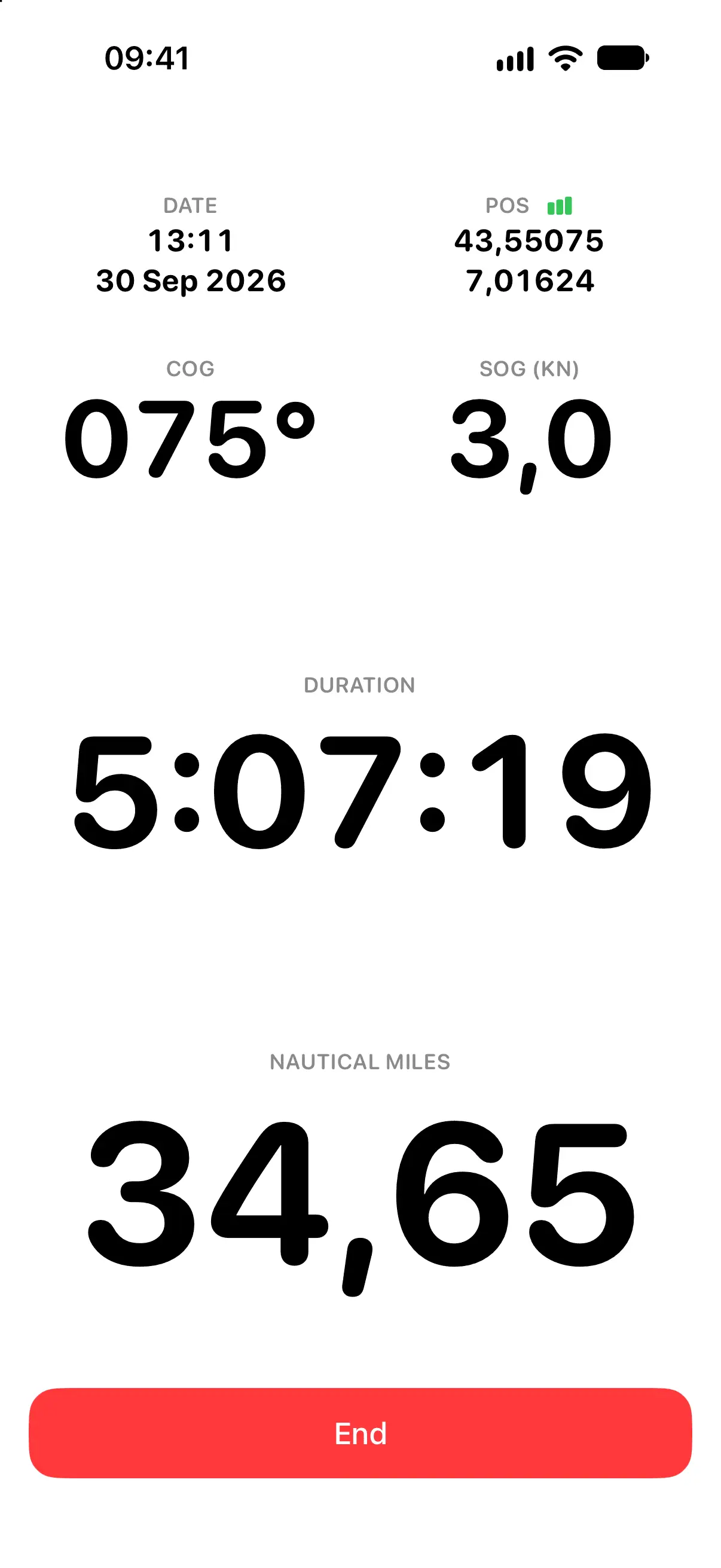
Skipper notices the boat has moved and starts recording the track on its own. GPS position, course, speed, duration, distance and the full track are recorded for the whole passage, with nothing to tap and nothing to remember.
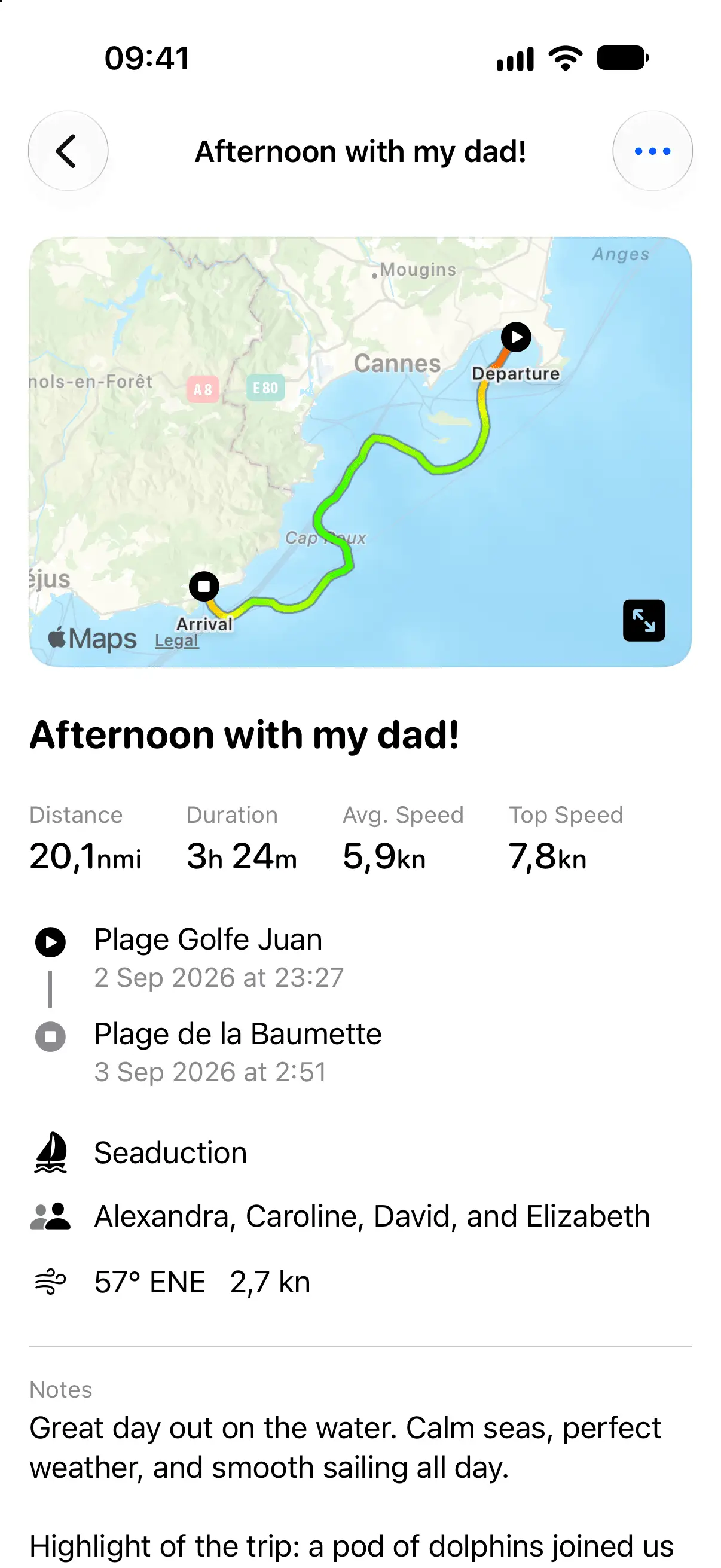
A track on its own does not tell you much a year later. Skipper holds the rest of the day: the weather for that time and place, who was aboard, which boat you were on, where you left and landed, the sails you set, engine hours, and any incident or repair worth remembering.
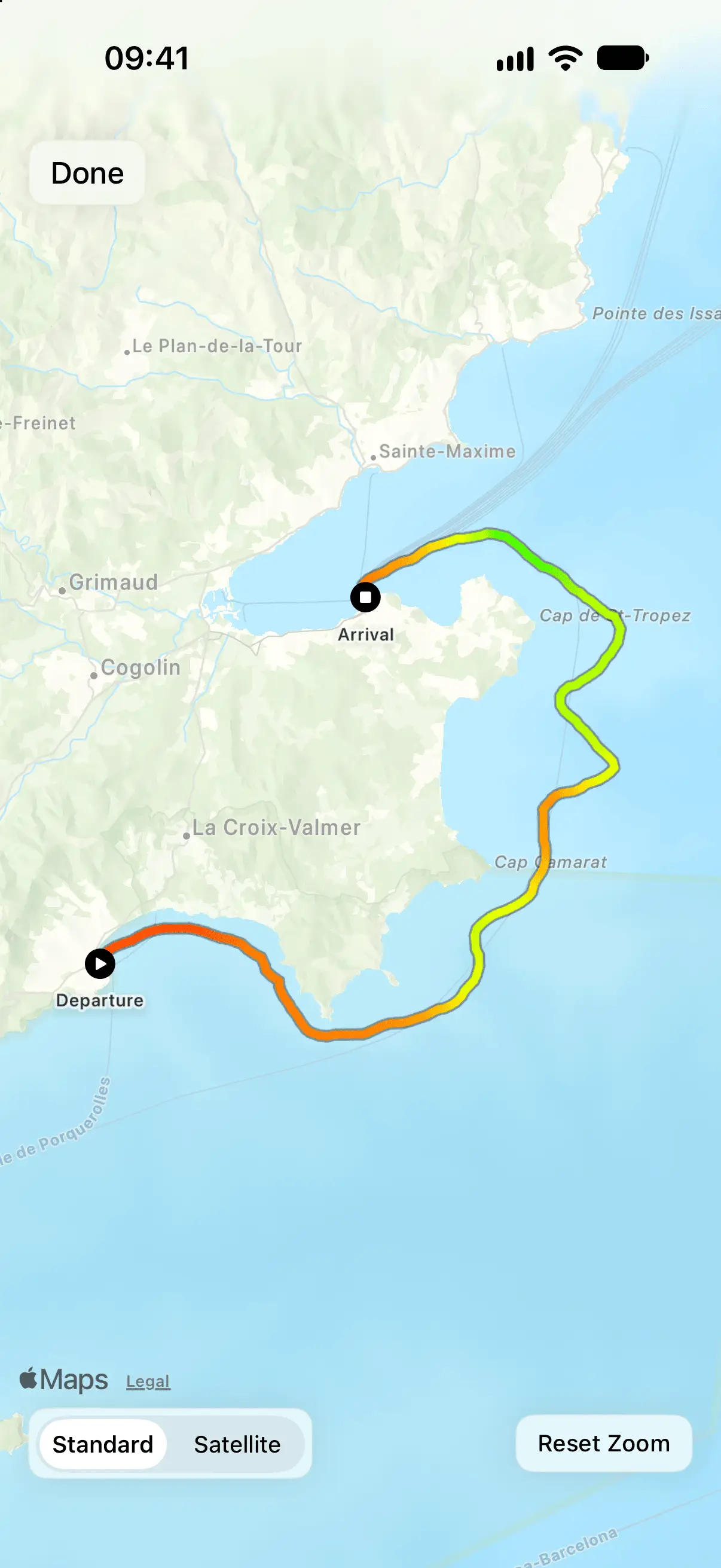
Walk each track on a map exactly as you sailed it, and read a whole season at a glance. Distance, duration, average speed and top speed are computed for every activity, so the logbook answers questions a piece of paper never could.
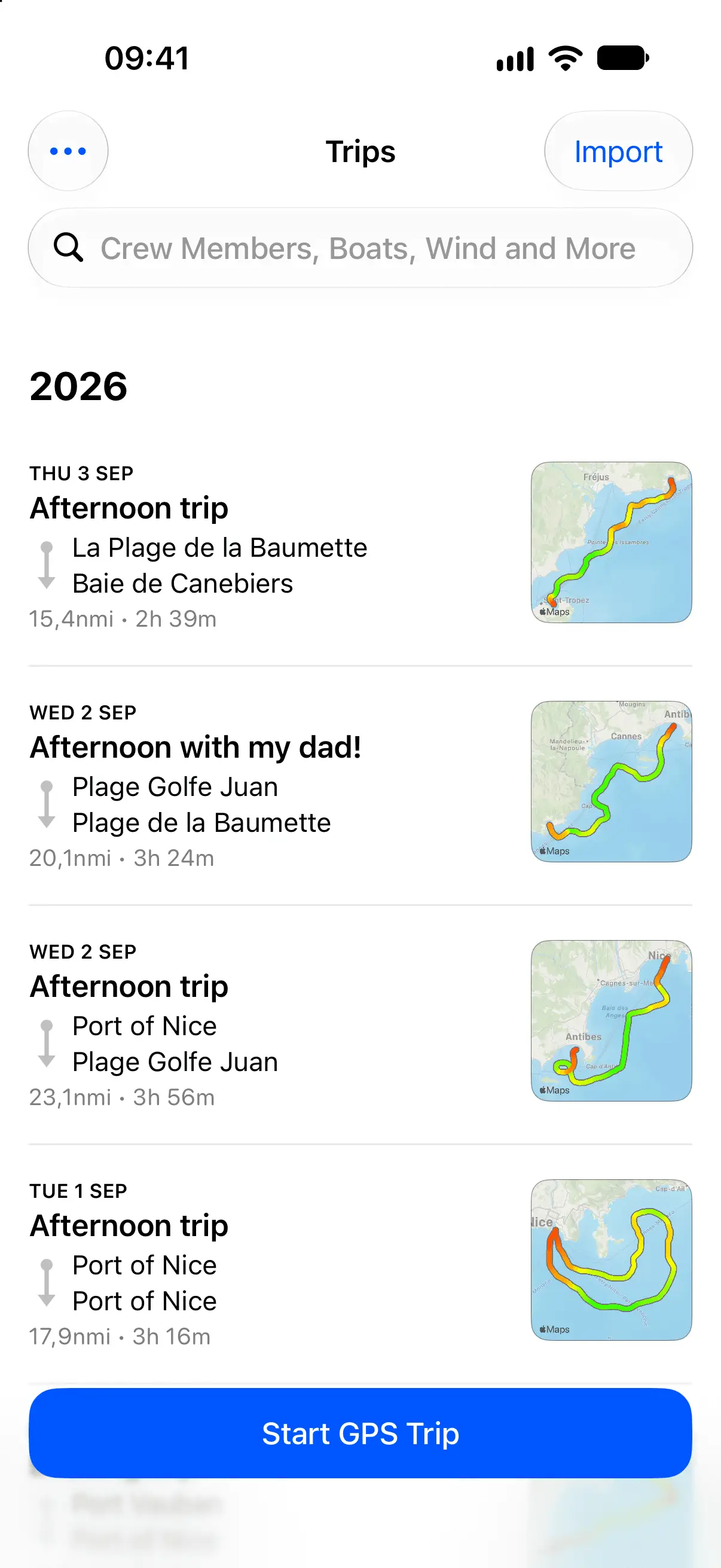
A logbook is only worth keeping if you can get things back out of it. Search your notes and place names across every trip you have ever sailed, or filter by the crew member, the boat, or the wind and sea state you recorded on the day.
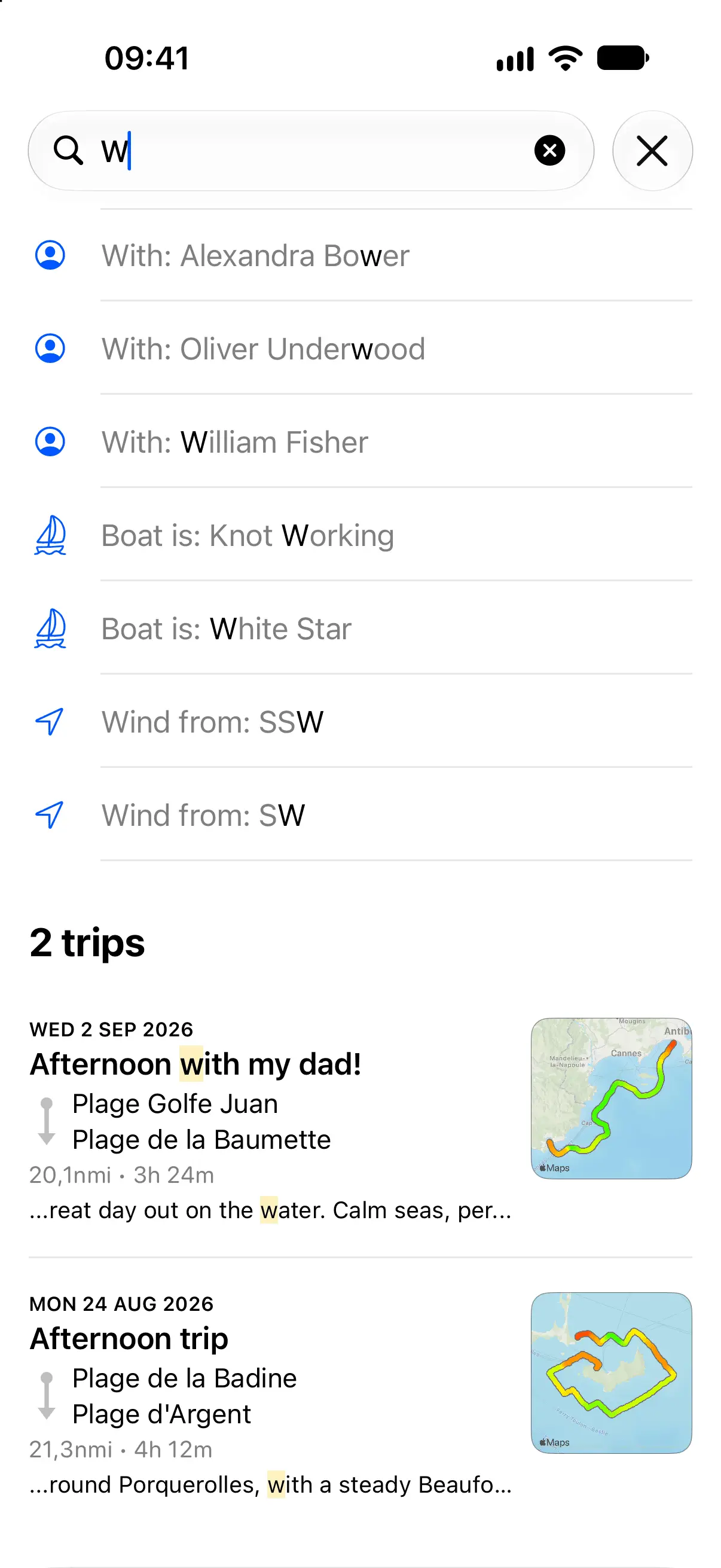
Recording uses GPS only, so it works with no Wi-Fi and no cellular signal, near the coast or far offshore.
Log the family and friends aboard each trip, and see who sailed when.
Record each boat in the app, so every trip is tied to a vessel and you can filter your logbook by boat.
Import GPX files recorded elsewhere and export your own, so your history is never locked in.
Speed, distance, depth and wind in the units you actually use, including knots.
Connect an external GPS receiver to your iPhone or iPad for higher accuracy on long passages.
Your trips are stored on your device. Nothing is uploaded and your logbook stays yours.
Reviews
4.6 out of 5
Logging my trips used to be a chore. Now it’s automatic, organized, and I can even add notes to each trip. Absolutely love it!
 Johnny S.
Finally a digital logbook that feels designed for boaters, not paperwork. Clean, simple, and reliable. I wouldn’t go out without it.
 Andrea H.
I use it for every trip. Tracks routes, times, and distances effortlessly. Plus, it’s great for reliving memories later.
 Sean K.
Pricing
Free to download. You get 3 recorded or imported activities free of charge; Skipper+ lifts the limit and keeps Skipper developing.
| Feature | Free | Plus |
|---|---|---|
| Trips | 3 | Unlimited |
| GPS track | ||
| Statistics | ||
| Weather | ||
| Crew members | ||
| Boats | ||
| Notes | ||
| Places | ||
| Search trips | ||
| GPX import and export | ||
| Nautical, metric and imperial units |
Skipper+ is optional and flexible: pay weekly, yearly, or once with a lifetime purchase. Find pricing info for your region in the app.
Why Skipper
A paper logbook is easy to lose, hard to search and impossible to put on a map. A notes app gives you no GPS track, no statistics, and no way to answer “what were the wind and sea state on that day?”. A chartplotter records a track, but not the weather, the crew, and your own notes on the sails or the engine hours.
Skipper is a ship’s log app for sailboats and powerboats, built for iPhone and iPad. It records trips automatically, keeps a complete searchable history, imports and exports GPX, and stores everything on your own device. If you have been meaning to start a proper log, this is the version you will actually keep.
Boating & Logbook Guides
How to keep a boat logbook, what to write in one, and the seamanship reference behind it.
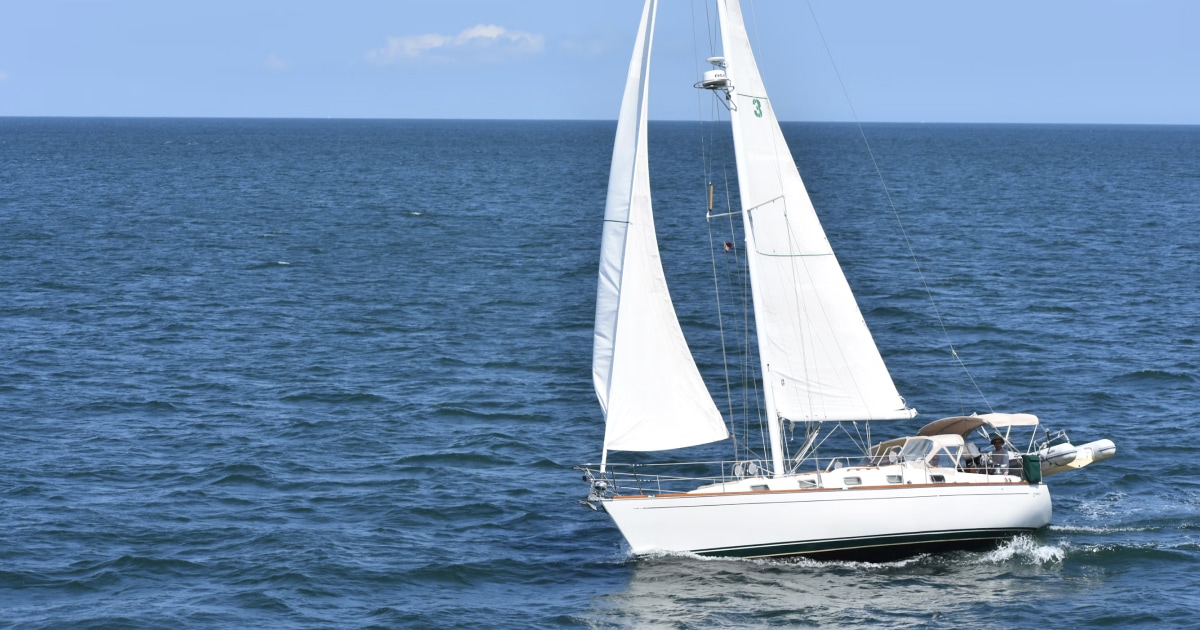
Learn what to record in a sailing logbook, from date and position to weather, crew, engine hours and important events, with practical examples.

Learn how to keep a sailing logbook with a simple routine, practical entries and tips for recording every trip consistently.
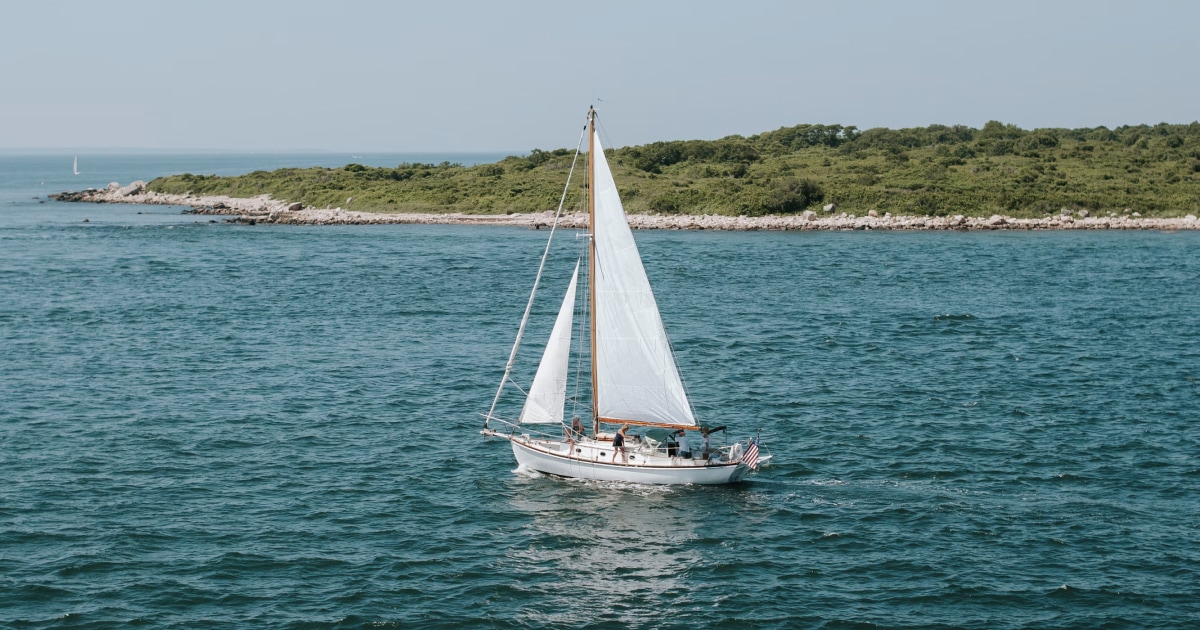
Discover why keeping a boat logbook matters, from documenting sailing trips and improving your skills to tracking boat usage and preserving memories.
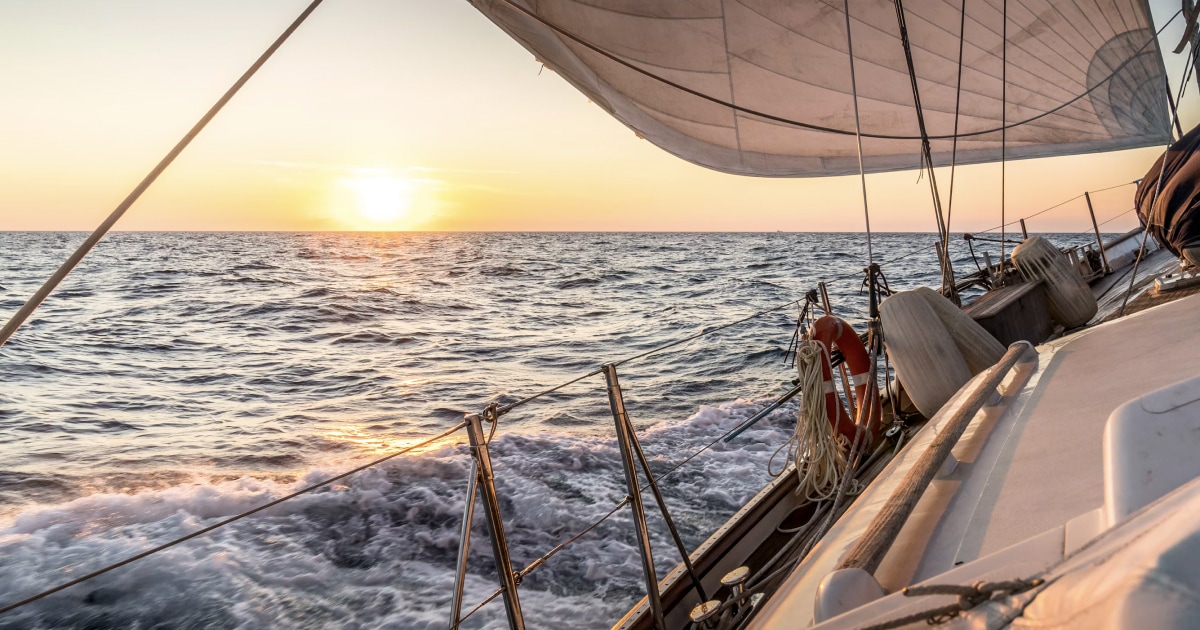
Explore practical sailing logbook examples for day sails, longer passages, changing weather, and incidents. Learn what to record and how to structure your entries.
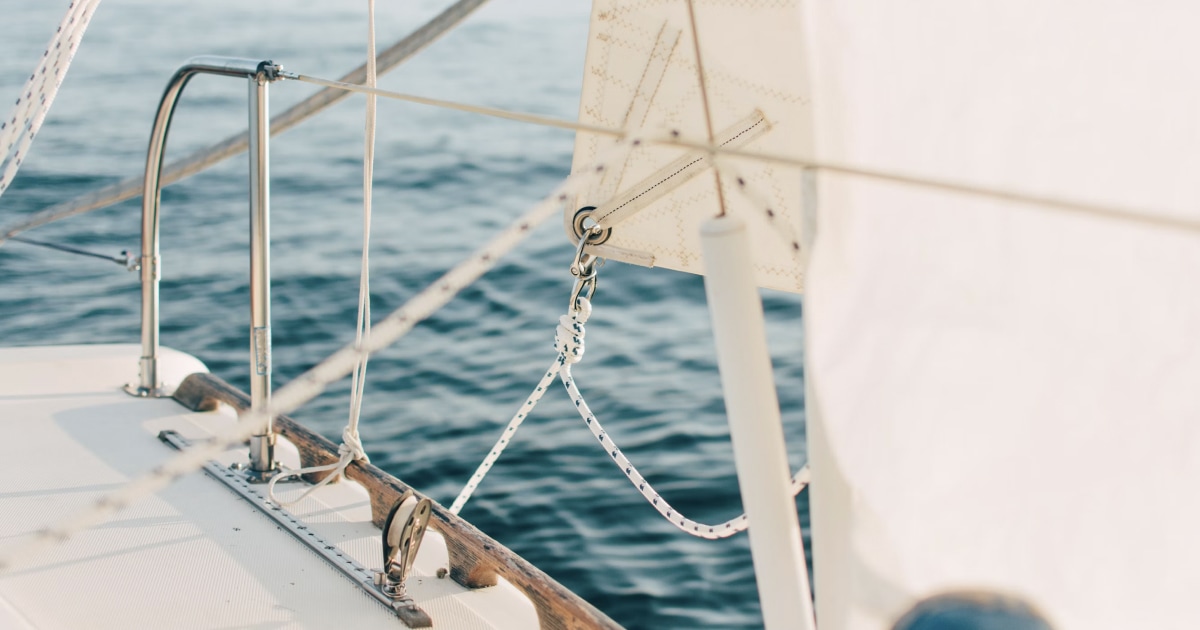
Use this sailing logbook template to record boat trips, navigation, weather, crew, and important events. Includes a practical format for day sails and longer passages.
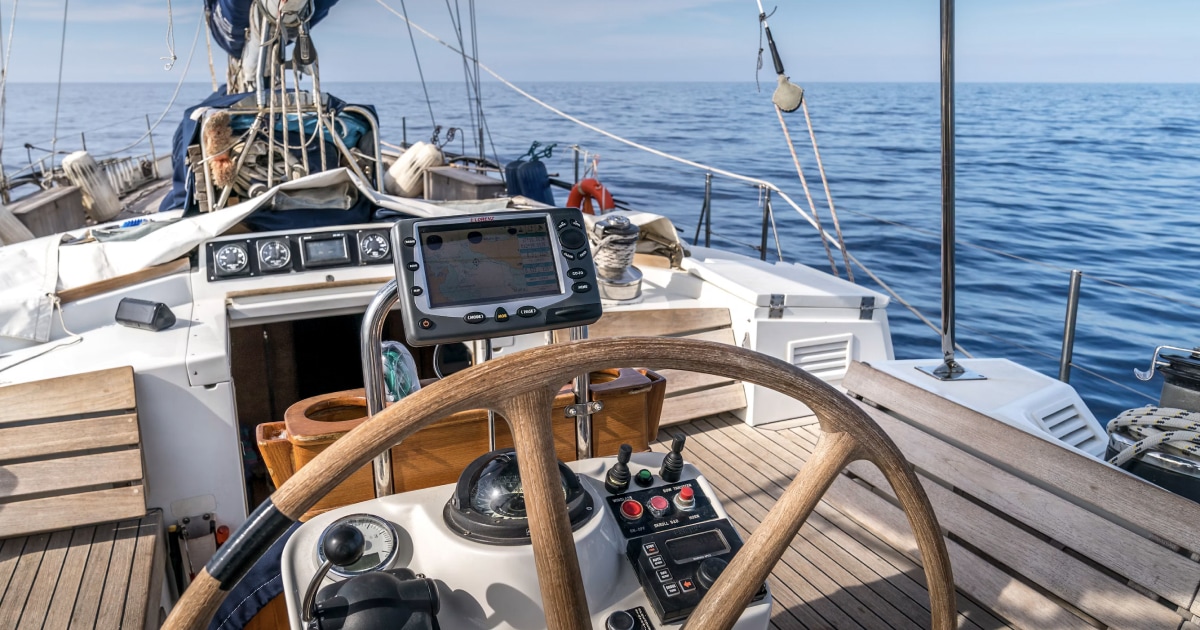
Compare digital and paper sailing logbooks, from GPS tracking and trip history to reliability and ease of use. Find the right format for your sailing and discover Skipper for iPhone.
Frequently Asked Questions
A ship’s log is the running record of a vessel’s time on the water. Most skippers record the date and route, position, distance and duration, the weather and sea state, who was aboard, any engine hours, and anything that broke or needed repair. A useful log answers “where did we go, in what conditions, and what happened?”. Skipper records the trip itself automatically, for both sailboats and powerboats. The rest — the sails you set, the engine hours you ran, anything that broke — goes in that trip’s notes, in your own words. See how to keep a logbook, or the glossary entry for logbook.
Both. Skipper works the same way on a sailboat and a powerboat: it records GPS position, course and speed either way, and sails and engine hours go in the trip notes, so each kind of vessel records what applies to it.
It watches for movement. Once the boat leaves the position where it was sitting, Skipper records GPS position, course, speed, duration, distance and the track for the whole passage.
Yes. GPS is completely independent of any data connection, so trip recording keeps working with no signal at all. You need a connection to download map tiles, and to attach the weather when you save a trip.
Apple Weather, and it is fetched when you save the trip, not while you are sailing. Map tiles are also provided by Apple, so both need a connection at that moment. Everything else in Skipper works offline.
Yes, on any iPad with a built-in GPS. Only Wi-Fi + Cellular iPads have one; Wi-Fi only iPads do not. On an iPad without GPS you can connect an external GPS receiver, which Skipper also supports.
Yes. Skipper imports and exports GPX, so you can bring in tracks recorded on another device or chartplotter and take your own logbook elsewhere. GPX is an open format, so your history is not locked into the app.
On your device. Skipper stores your trips locally and the data is not linked to your identity, which is why the App Store lists purchases, location and usage under “Data Not Linked to You”. Use GPX export if you want your own backups. Details are in the privacy policy.
Nautical, metric and imperial are all supported for speed, distance, depth and wind, so you can work in knots and fathoms, or in km/h and metres.
Any app using GPS in the background uses power, so a long passage will cost you some battery. Skipper is designed to start and stop on its own rather than run all day. On a multi-day trip, plug in a power source when you can.
No. Skipper is a logbook, not a navigation system. It cannot replace AIS, radar or ECDIS, and it is not a substitute for safe watchkeeping. Always carry and use proper navigation equipment.
Requirements vary by country and by authority. Skipper is built as a personal and club-level record, so check the rules that apply to your vessel and waters before relying on it for anything mandatory. Our guide to whether a logbook is required covers the position country by country.
Get Skipper on the App Store
Skipper is a ship’s log app for sailboats and powerboats, available on iPhone and iPad. It records every trip with GPS and keeps your whole sailing history in one searchable logbook. Free for your first three trips.